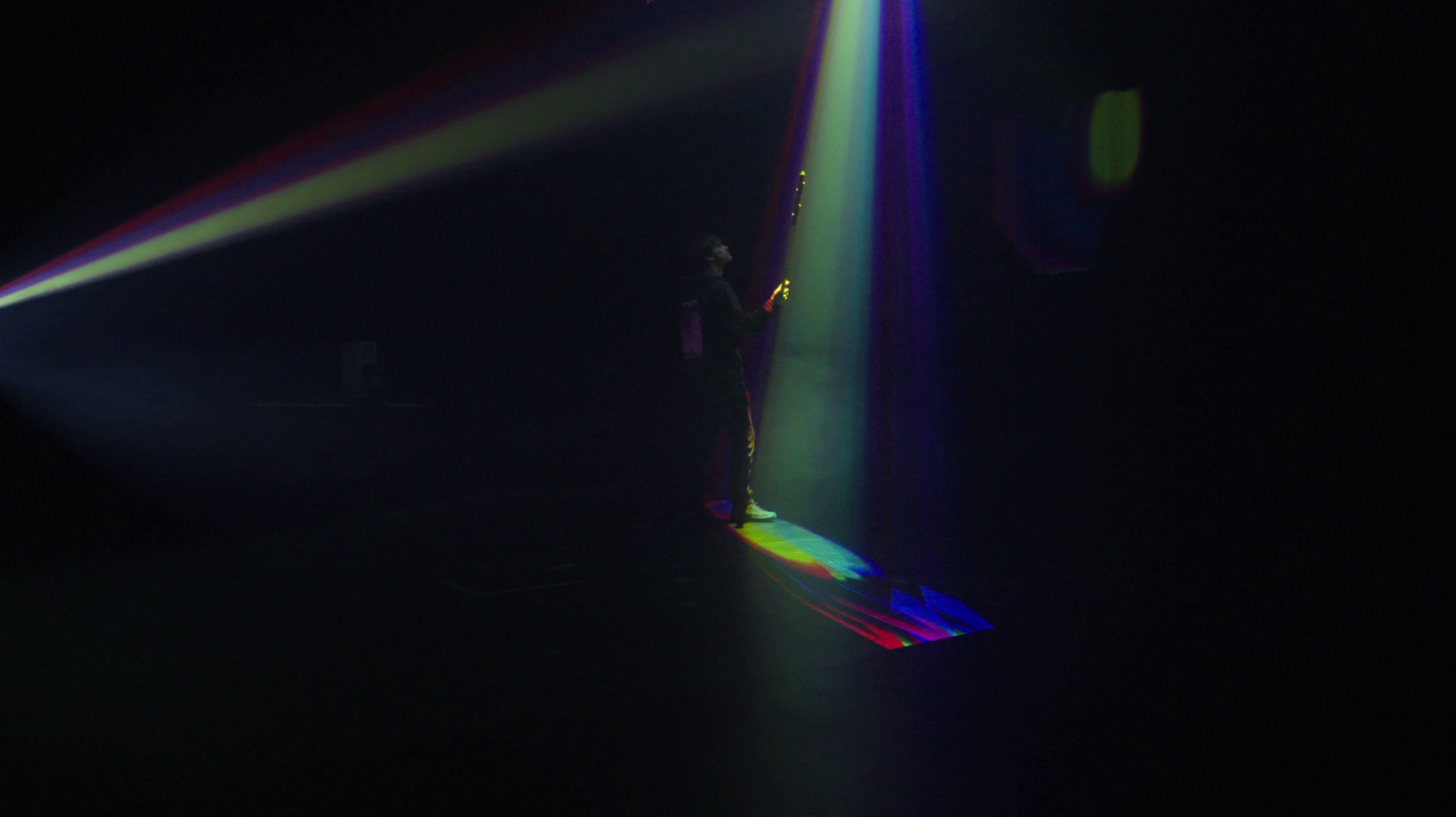
MoTH: Motion-Tracked Hohto
One of my favourite movies and books from my teenage years is K-Pax, a story about a man who claims to be an alien who travelled to Earth on a beam of light. What stories can a beam of light tell? For the Embodied Interaction course at Aalto I wanted to explore this.
MoTH (motion-tracked hohto*) is a system for drawing with light. It uses OptiTrack, TouchDesigner, projectors & a smoke machine to project light shapes. It has different brushes, shaders, LFOs & sliders for shaping the brush and its offset from the tracked object, and a quantization feature (plus recording and playback with variable speed). It also calculates motion vectors for accentuation when you move the tracked object quickly or come to a sudden stop. The interface uses OSC protocol to communicate with TouchDesigner and was built with Open Stage Control (it opens as a nifty webpage on your phone).
Special thanks to our teacher Matti Niinimäki for his help and inspiration and Aalto Studios for the space and equipment. Lauri Heikkinen shot the video (except for the grainy clip of the projector I took with my phone).
*hohto = glow/gleam in Finnish
In the video above you can see some of the brush settings.
What I learned
I learned a lot about motion tracking, TouchDesigner, connecting systems, project planning and so forth. But I think the most interesting take-aways are in the interactions of light that using the system revealed.
Because I had limited time to actually play with the system (because of issues of using the smoke machine, like disabling fire alarms) I wanted to build an actual tool with changeable parameters. This way I could test and tweak as many things as possible in one go. There were a few surprises, and this is not necessarily a bad thing, since it could be a signal that I’m in new territory.
The main surprise was how it actually looks. I’m used to operating with the idea of light bouncing off objects and being modified by the qualities of that object. Here essentially the light simply continues along its merry way, so the light beams are purely additive in nature. How colours mix takes some time to wrap your head around.
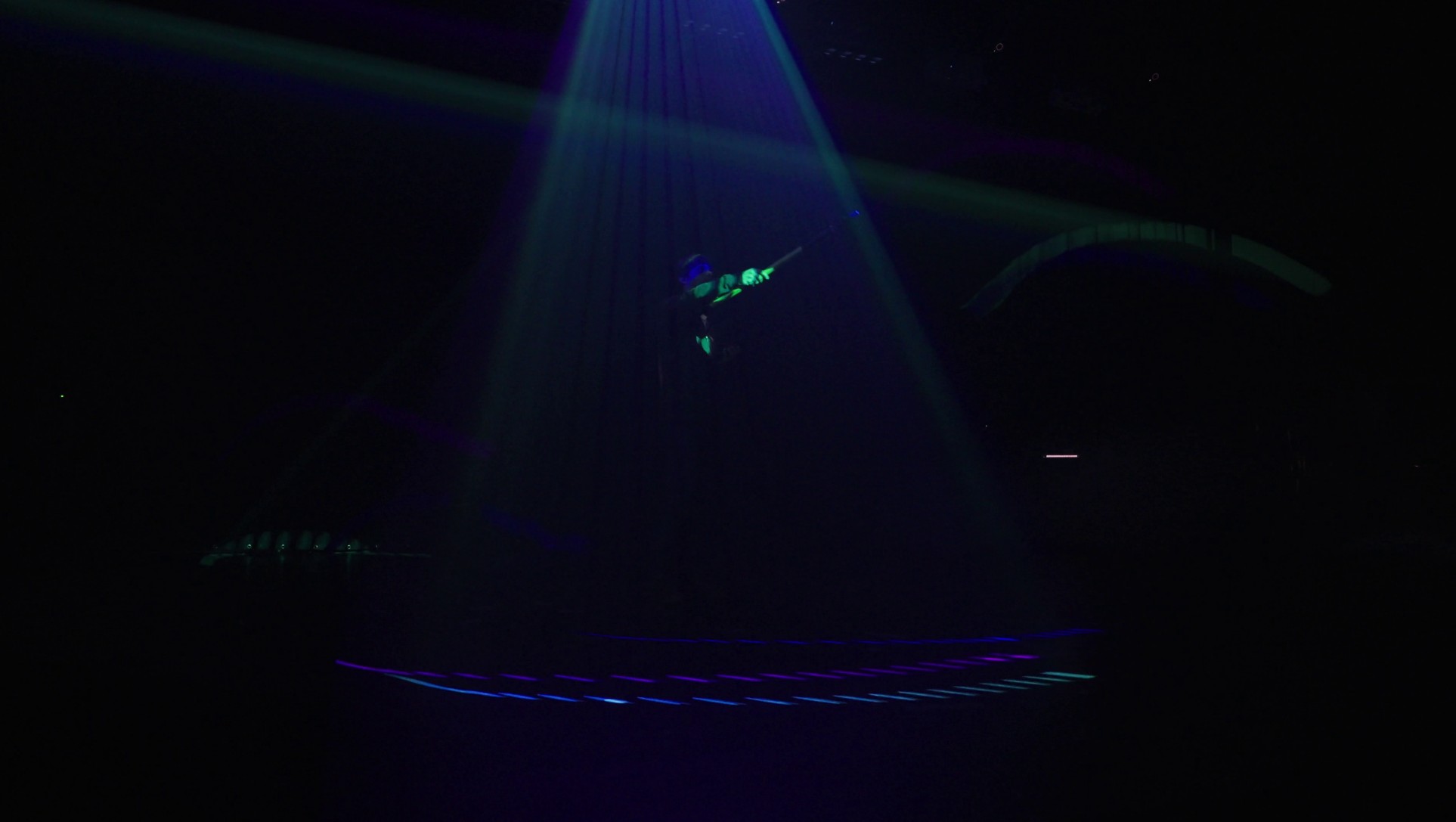
It seems that the visual effect of an actual 3D object works best when one of the axes is small (think of a squished rectangle). Wireframes or shaders that emphasize the edges also work better. How it looks in TouchDesigner is not really reflective of how it looks like in the air. Ray marching shaders might give a better estimation of the end result.
Another thing I discovered using the system was that it’s actually difficult to understand what it looks like from ”inside”. How big a shape looks like, what it looks like from different angles and so forth. This might be something that get easier to understand over time (so basically a skill), but a webcam hooked up to the user interface would be a nice feature to have in a future version.
The 3D effect was also diminished by two factors: 1) the light from the projectors hitting the floor and walls and stealing the ”limelight” from the shape in the air, and 2) the projectors not being calibrated to the same strength.
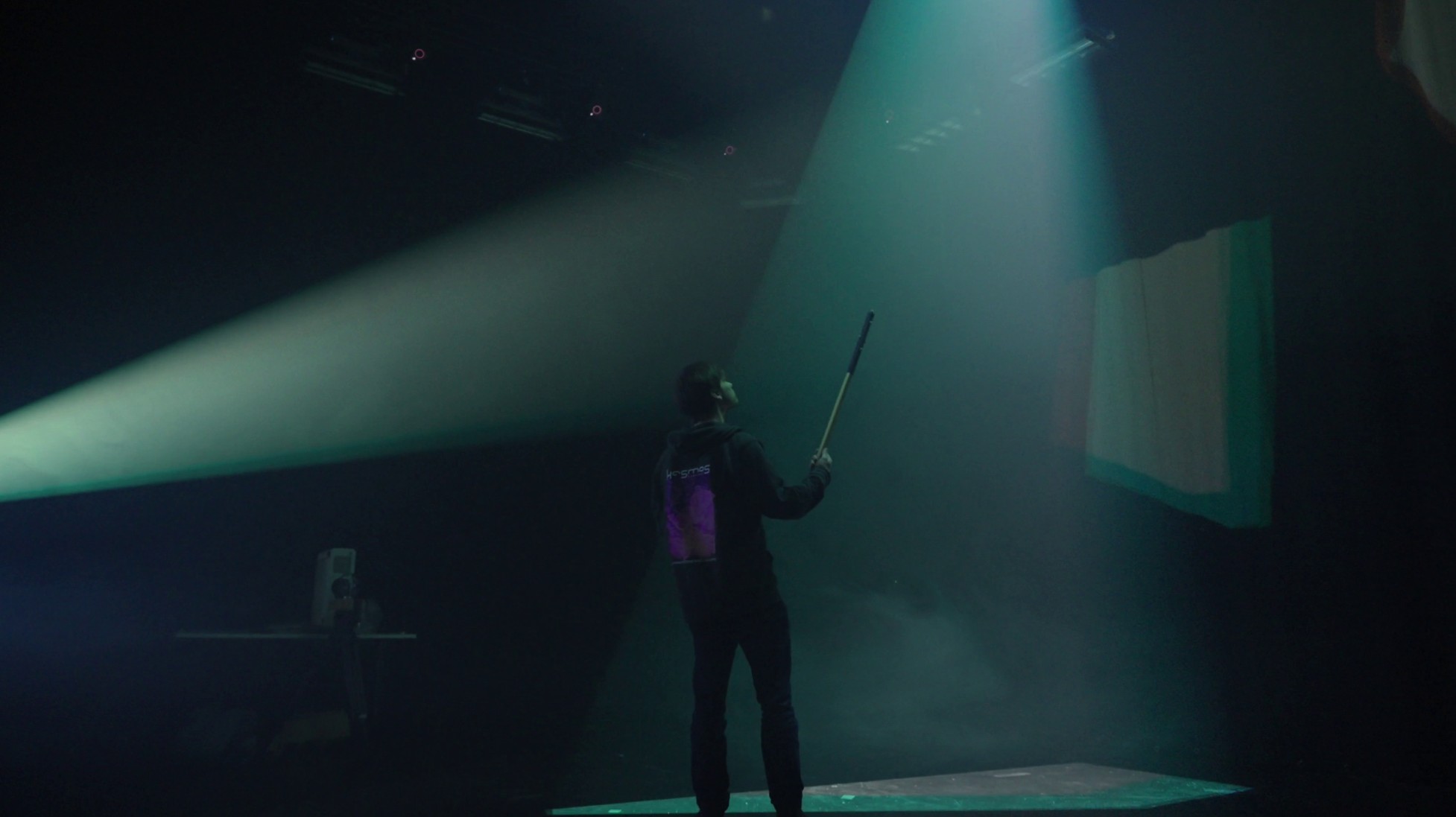
The first is a problem in the sense that I didn’t exactly achieve my desired effect, but on the other hand, it still looks really cool and is useable for many purposes! Materials that would absorb the light could fix this. For the second I could maybe do a hacky fix in TouchDesigner using Level tops before the output to the projectors. I would need to measure the strength of the projectors at different distances and then change their brightness depending on how close the object is to that projector. But if I’m working with multiple objects (like the trails etc.) I would need the object shaders to calculate their distance from the cameras and modify their opacity or some other parameters based on that and tie them to those specific cameras (as well as making sure the projectors had the same calibration of light levels).
I also don’t know how the positioning of the projectors affects final outcome. Since different projectors are ”seeing” different slices of the objects, would the effect look more consistent if the projectors were at equal distances/ratios from each other? Something worth exploring.